AI overview
AI generated. Not medical advice.Securely store medications with a spacious lockbox featuring a user-set combination lock. Ideal for organizing prescription bottles and pill tools, ensuring safety and accessibility.
iHerb Quality Promise
This product is guaranteed authentic and backed by our easy returns and refunds policy. Details
Overview
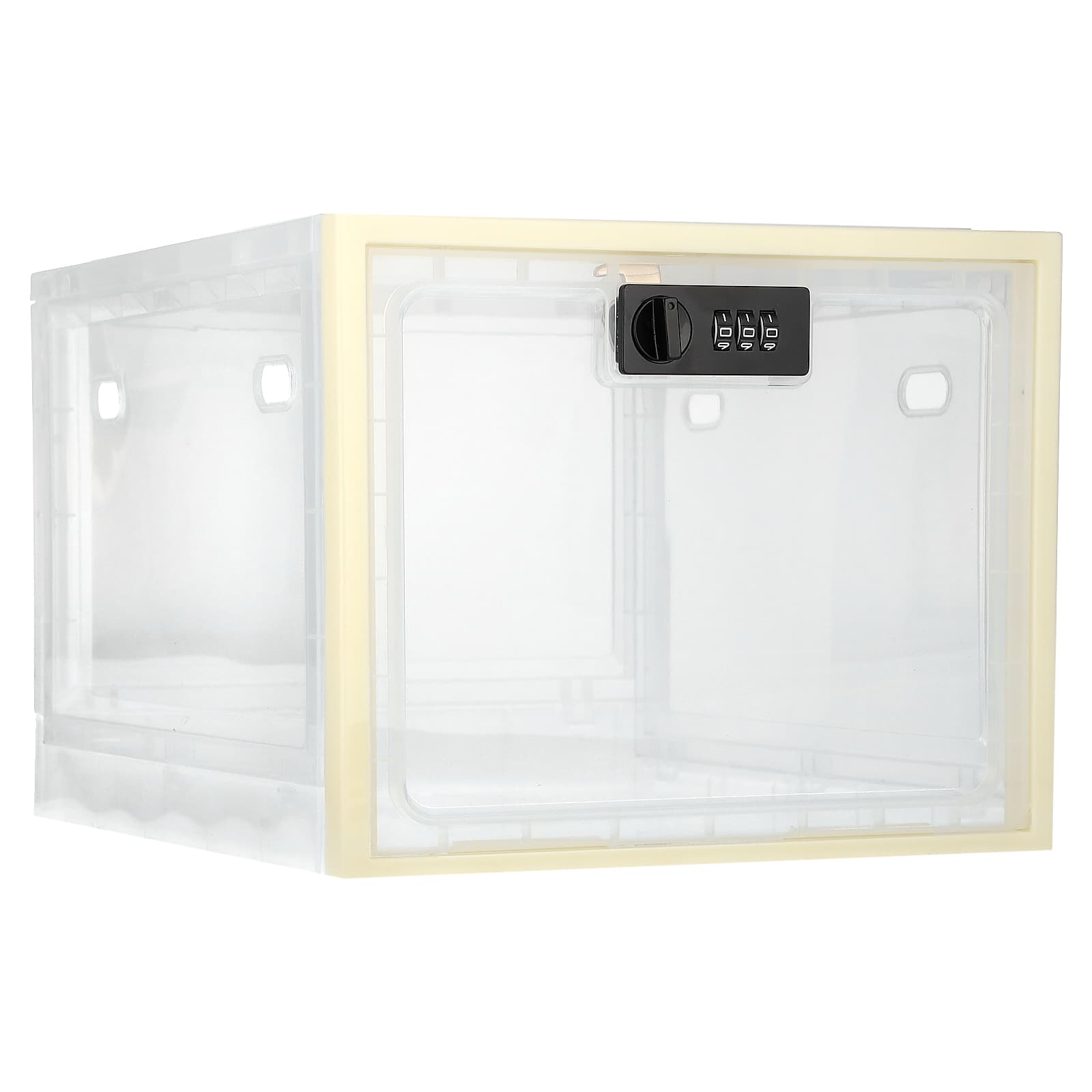
The Ezy Dose Medication Lockbox is perfect for storing and securing medication. Its large storage includes enough room to hold prescription bottles, pill organiser and pill cutter. Our simple to use design, yet secure, includes a user set combination lock for added security and protection.
Safe storage solution - Ezy Dose Medication Lockbox for complete secure medication storage.
Large storage capacity - Enough room to hold prescription bottles, pill organiser and pill cutter.
Simple to use, yet secure - User set combination lock for added security and protection.
Meets many needs - Adaptable for multiple uses and safe for use in the refrigerator.
Specifications
- First available: 12/2023
-
Delivery weight:

1.08 kg
- Product Code: EZD-01391
- UPC: 025715013916
- Package quantity: 1 Count
- Dimensions: 31 x 24.4 x 7.2 cm , 0.95 kg
-
Colours may vary.

Suggested use
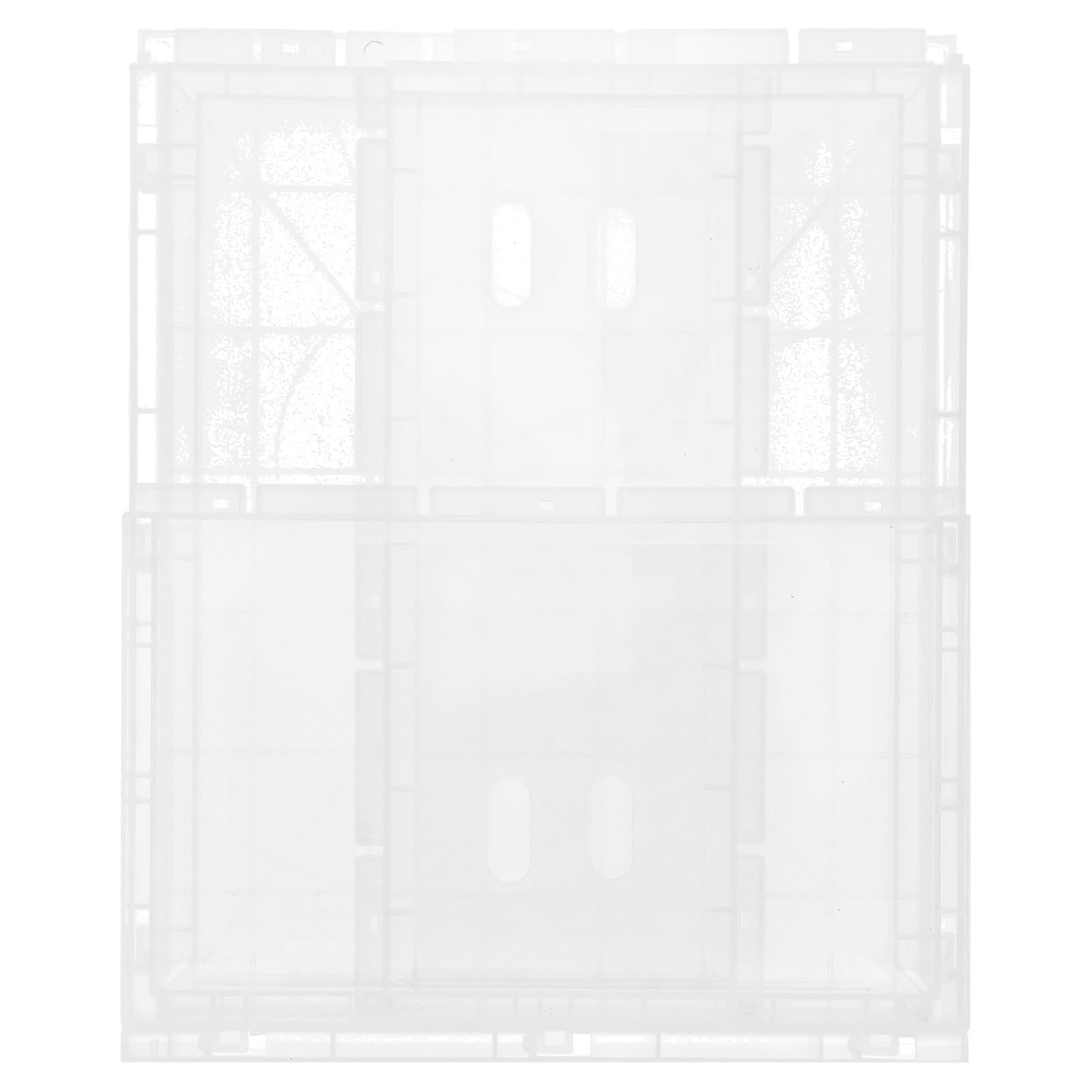
- Stand up the one on the left
- Stand up the second one
- Stand up the third one
- The top cover is fixed on the top
- Install the door
- Setting the lock
Setting the lock
- Initially your lock is set to the default code 000. This will allow you to reset the code to a new three-digit code of your choice. Turn the lock over onto its backside and look for a small post on the lower left side. The post will be in the default position A.
- To create a new code, simply push the post over to position B. Now turn the lock back over to the front side. Press down on dials and rotate numbers to your desired three-digit code. Note: the three-digit code MUST be aligned to the middle hash mark in order to set. We suggest that you immediately write down your new code and keep it in a safe place before proceeding to the next step.
- The final step is important to lock in your new code. Note: keep the dials on the lock set to your new code while following the next step. Turn the lock over again to the backside and push the post back to position A. Now your lock is set to your new code.
Resetting the lock
- Anytime you want to change the lock to a new code, turn the dials to your last working private code and follow the steps for setting the lock.
Disclaimer
While iHerb strives to ensure the accuracy of its product images and information, some manufacturing changes to packaging and/or ingredients may be pending update on our site. Although items may occasionally be despatched with alternative packaging, freshness is always guaranteed. We recommend that you read labels, warnings and directions of all products before use and do not rely solely on the information provided by iHerb. This website has been machine translated as a courtesy to customers. iHerb does not represent or warrant that the translations are complete or error-free and iHerb is not responsible for any translation errors or omissions.